At the bottom of every page on the website, the footer is divided into two sections:
1. The footer menus

These menus are automatically adjusted to reflect the main navigation menu
2. The Colophon

Changing the information displayed in the colophon
From any admin page click Sidebar & footer in the left menu
Scroll down the page to find the 5 Colophon widget areas
They are numbered 1 to 5 as they appear in the footer from left to right. Open the desired widget area
… and open the widget within
Once open, you can change the title displayed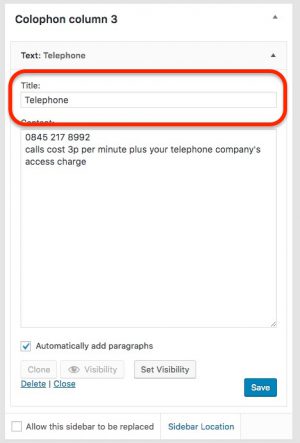
… and the content
Don’t forget to save your changes!